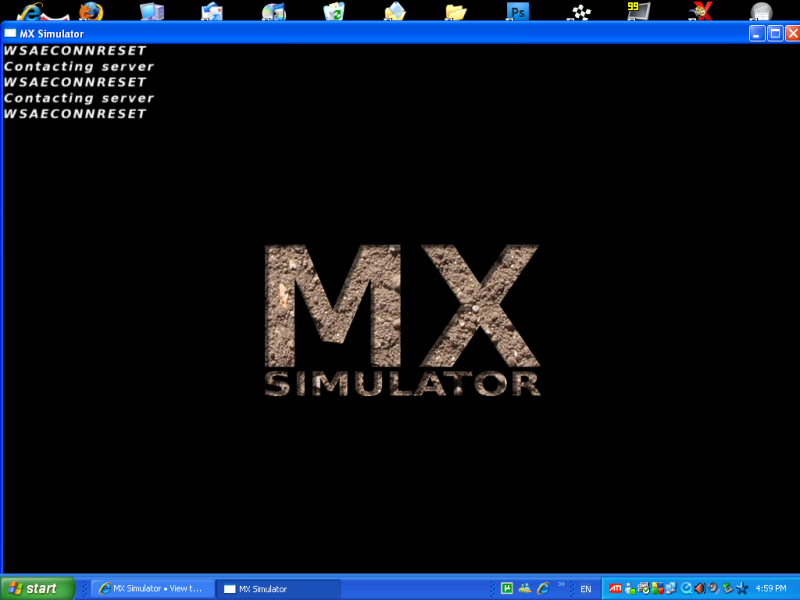
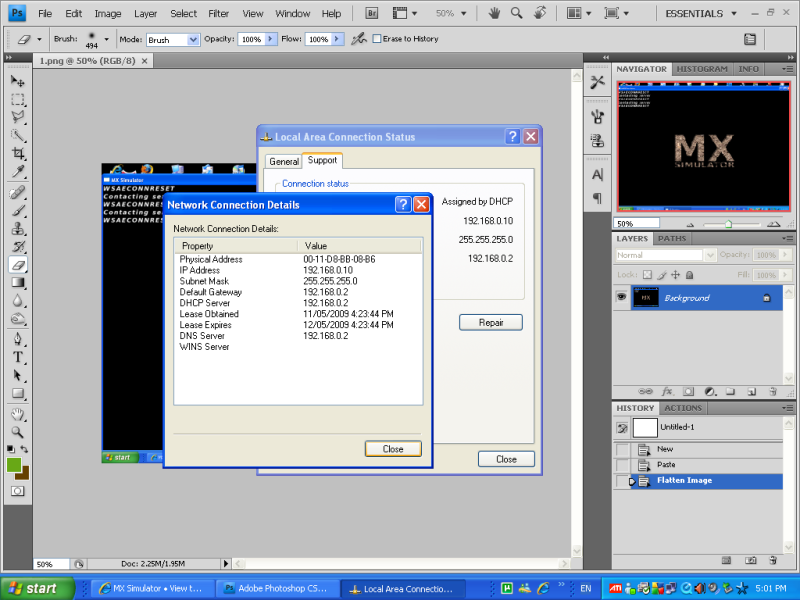
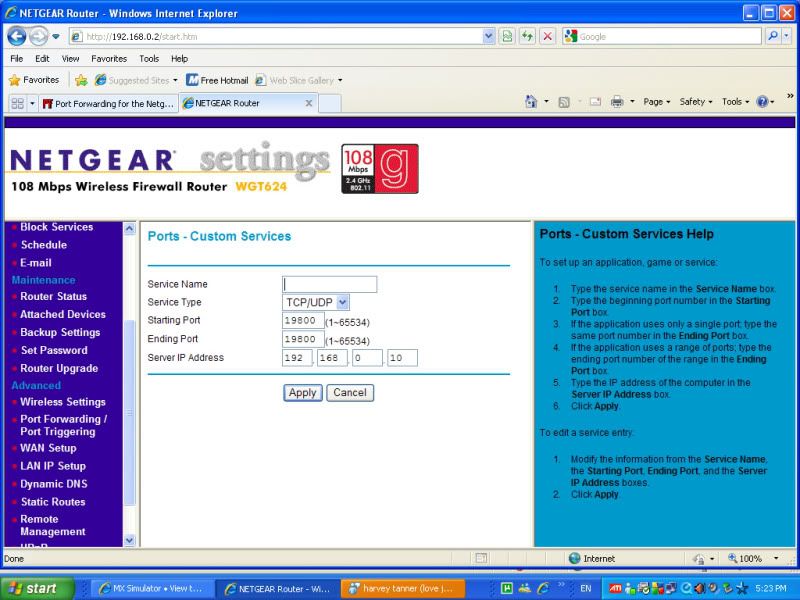
Hmmm, should of been able to connect with the LAN address. Oh well, time for port forwarding. Tell us what sort of router you have. Type in 192.168.0.2 as if it were a web address. It will ask you to log in, if you don't know the admin name or password, admin name might be 'admin', and password might be 'password'. If you get in, it should have your router name at the top.
Thank you for purchasing Netgear's WGT624 108Mbps Wireless Firewall Router. Be sure to use the Firmware Upgrade Assistant periodically to take advantage of improvements and feature additions Netgear offered for this product.
To take advantage of the 108Mbps feature offered by the WGT624 router, use a wireless adapter with this logo.
ok that seemed kinda easy.
What do i put for server name? i just dont wonna screw it up
and i can only use 19800 now unless i port out another port number?
Well I can run the mxserver that DJ put up, good news. In my server I got it to work in the cmd, more good news. When I tried to run the server the black box started and left and I can't open my game when I add "mxserver -args-file serverargs.txt" into the games target box.
Everytime you post something stupid, a baby gets punched in the face. Please be smart, for the children.
MXS Cares
jlv wrote: ↑Thu Nov 05, 2020 1:09 am
Pumaxcs would know better than I do.
1) Get RegKey http://mxsimulator.com/email_regkey_form.html
2) Put RegKey into 'Registration Key' in game
3) Go into multiplayer, hit connect.
4) Later, look for other server addresses on the forum to use.