
2009-11-23 snapshot
-
ddmx
- Posts: 5383
- Joined: Sun Apr 20, 2008 3:36 pm
- Location: Midland MI
Re: 2009-11-23 snapshot
The white black scheme is too exaggerated. What about grays? Or coming up with a color scheme to represent mxs from now on. Also, the orange/brown overlay when in a menu is atrocious imo. Also, although I know you said before that you don't want an entire image for the background of the main screen, but it would be safe to say that everyone nowadays uses widescreen format, so why not make that image stretch across the entire viewing area, and make it a widescreen resolution.
-
jlv
- Site Admin
- Posts: 15463
- Joined: Fri Nov 02, 2007 5:39 am
- Team: No Frills Racing
- Contact:
Re: 2009-11-23 snapshot
We're here to play the game, not the menu, so I prefer to have it be as lean as possible. Having the menu respond instantly is pretty important to me.
I'll definitely ditch the orange tint.
I'll definitely ditch the orange tint.
Josh Vanderhoof
Sole Proprietor
jlv@mxsimulator.com
If you email, put "MX Simulator" in the subject to make sure it gets through my spam filter.
Sole Proprietor
jlv@mxsimulator.com
If you email, put "MX Simulator" in the subject to make sure it gets through my spam filter.
-
yomo
- Posts: 1930
- Joined: Tue Apr 22, 2008 10:00 am
Re: 2009-11-23 snapshot
Speaking of the menu responding instantly, do you have any idea why suddenly (was not a new snapshot, and I haven't tried this one yet) my game takes about 8 seconds to load. I know the computer has responded because as soon as I double click the icon my MSN is instantly set to "busy" which normally happens.jlv wrote:We're here to play the game, not the menu, so I prefer to have it be as lean as possible. Having the menu respond instantly is pretty important to me.
I'll definitely ditch the orange tint.
-
jlv
- Site Admin
- Posts: 15463
- Joined: Fri Nov 02, 2007 5:39 am
- Team: No Frills Racing
- Contact:
Re: 2009-11-23 snapshot
If you look in the log file (lastlog.txt in the personal folder), can you see an 8 second gap in the timestamps somewhere?
Josh Vanderhoof
Sole Proprietor
jlv@mxsimulator.com
If you email, put "MX Simulator" in the subject to make sure it gets through my spam filter.
Sole Proprietor
jlv@mxsimulator.com
If you email, put "MX Simulator" in the subject to make sure it gets through my spam filter.
-
yomo
- Posts: 1930
- Joined: Tue Apr 22, 2008 10:00 am
-
Wilmx829
- Posts: 819
- Joined: Mon Dec 22, 2008 5:47 pm
- Team: Privateer
- Contact:

-
yzmxer608
- Posts: 15352
- Joined: Mon Dec 29, 2008 4:30 am
- Team: SYS
- Location: Wisconsin, U.S.A
Re: 2009-11-23 snapshot
I like it a lot more. Sometimes it seems like it hangs for a split second, unless that's just my imagination because I'm using something different- which it very well might be  . Could a custom background image be something that would be able to be turned on/off in the menu or manually in the config file? That way people that want to use the stock image could, and people that want to use a custom image could as well.
. Could a custom background image be something that would be able to be turned on/off in the menu or manually in the config file? That way people that want to use the stock image could, and people that want to use a custom image could as well.TeamHavocRacing wrote:If I had a nickel for every time someone asked for this, I would have a whole shitload of nickels.
-
Wilmx829
- Posts: 819
- Joined: Mon Dec 22, 2008 5:47 pm
- Team: Privateer
- Contact:
Re: 2009-11-23 snapshot
What does it do? My menus look the same!
TeamHavocRacing wrote:JLV is a risk-taking genuis pimp.

-
yzmxer608
- Posts: 15352
- Joined: Mon Dec 29, 2008 4:30 am
- Team: SYS
- Location: Wisconsin, U.S.A
Re: 2009-11-23 snapshot
The whole way the menus look is changed, the only thing that looks the same really is the background image.
TeamHavocRacing wrote:If I had a nickel for every time someone asked for this, I would have a whole shitload of nickels.
-
Phathry25
- Posts: 7481
- Joined: Sat Dec 01, 2007 1:09 am
- Team: No Frills Racing
- Location: WI
- Contact:
Re: 2009-11-23 snapshot
I would say that you've found your problem, lol. Or at least it's bigger than the crazy verticies.Wilmx829 wrote:What does it do? My menus look the same!
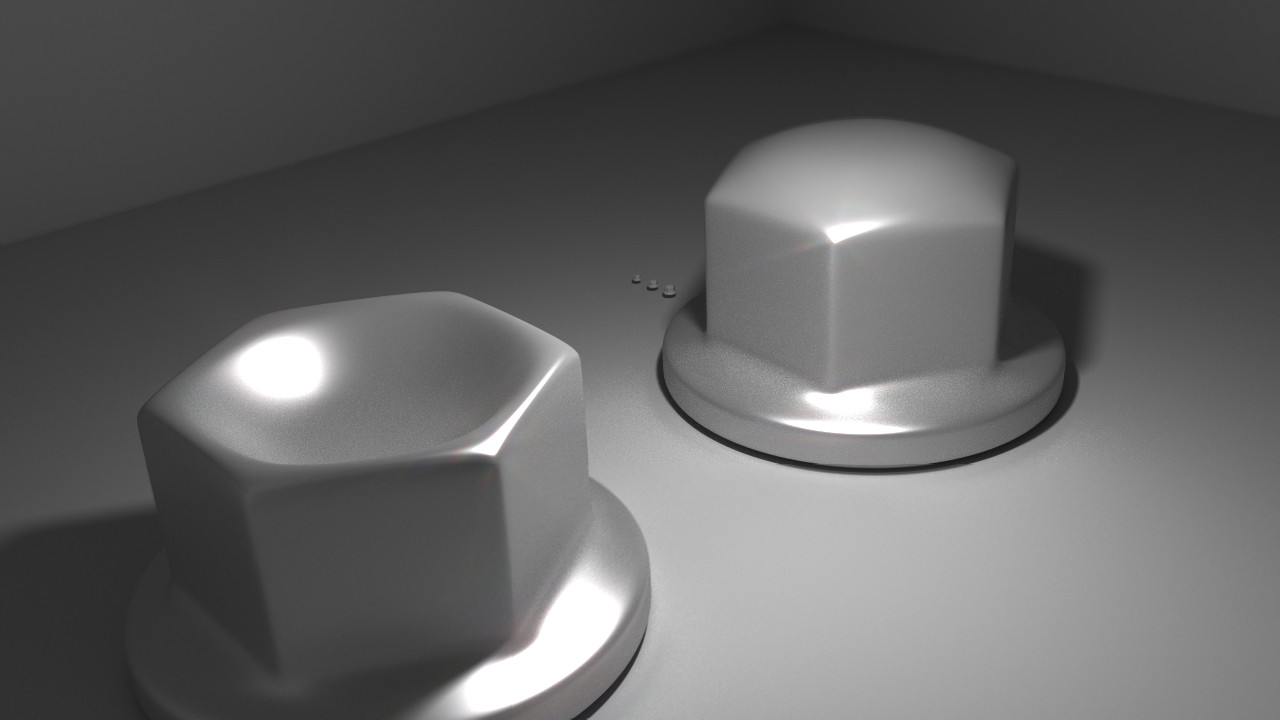
jlv wrote:Here's a picture of my nuts.
-
Phathry25
- Posts: 7481
- Joined: Sat Dec 01, 2007 1:09 am
- Team: No Frills Racing
- Location: WI
- Contact:

-
Wilmx829
- Posts: 819
- Joined: Mon Dec 22, 2008 5:47 pm
- Team: Privateer
- Contact:
Re: 2009-11-23 snapshot
I got it now. I redownloaded and had to manually delete the old mx.exe and rename the new one. Replacing it wouldn't work? Still have the vertices problem too. So far it does it with new shoei vfxw, tld helmets, cartel kx215?(never heard of it), yz250f, and maybe some other helmets bot foxv3 works fine.
TeamHavocRacing wrote:JLV is a risk-taking genuis pimp.
-
jlv
- Site Admin
- Posts: 15463
- Joined: Fri Nov 02, 2007 5:39 am
- Team: No Frills Racing
- Contact:
Re: 2009-11-23 snapshot
Are the fork sliders missing? Does the messed up area over the front wheel follow the lower fork?
Josh Vanderhoof
Sole Proprietor
jlv@mxsimulator.com
If you email, put "MX Simulator" in the subject to make sure it gets through my spam filter.
Sole Proprietor
jlv@mxsimulator.com
If you email, put "MX Simulator" in the subject to make sure it gets through my spam filter.
-
DJ99X
- Posts: 15524
- Joined: Tue Jan 15, 2008 11:36 am
- Location: Land Down Under
Re: 2009-11-23 snapshot
Wil, post larger images taken closer. Its very hard to see whats going on from those pics.
-
Wilmx829
- Posts: 819
- Joined: Mon Dec 22, 2008 5:47 pm
- Team: Privateer
- Contact:
Re: 2009-11-23 snapshot
Im not sure if it follows the wheel, but I'm pretty sure it does, larger more high quality pics coming very soon.
TeamHavocRacing wrote:JLV is a risk-taking genuis pimp.