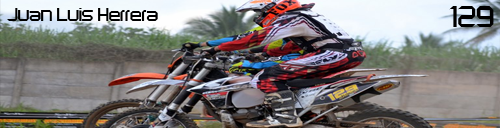
DDMXV2 Rider Model: http://www.mediafire.com/?8qpcjppmxv8xy9a
P2sta Rider Model With Leatt Brace: http://www.mediafire.com/?4apa2p9yl8h94n4
Step 2: Put that File in C:/ProgramFiles/Adobe/AdobePhotoshop/Presets/Meshes
Step 3: Open your skin in Photoshop and make sure the whole skin is in a group. Then select your group and go to 3d/New Shape from Layer/RiderModel.
You can now preview your skins with the click of a button. It should look like this.

How to make .DAE files.
1. You need to find the object file for the model that you want.
2. Then go into photoshop and go to 3d/New Layer From 3d File then find the object file.
3. The model should be in photoshop now. Make sure the layer with your model is selected. Then go to 3d/ Export 3d Layer, make sure the output file is .dae then export it and your done.
Other .DAE Files
http://www.mediafire.com/?bbdygi1l7ivk0
 ... its very easy