
ready boost/ optimization
-
DJ99X
- Posts: 15524
- Joined: Tue Jan 15, 2008 11:36 am
- Location: Land Down Under
Re: ready boost/ optimization
Yeah, I might try and bust out some LOD's for the stuff I have. It's shit not being able to run the HD models in those races.
-
Phathry25
- Posts: 7481
- Joined: Sat Dec 01, 2007 1:09 am
- Team: No Frills Racing
- Location: WI
- Contact:
Re: ready boost/ optimization
I LOL that people with much better PC's than me can't run the fancy models in online races. I get 100FPS for SX and 60 for MX. And that's only on the start straight. After that I'm usually leading and can't see anyone else anyways. 
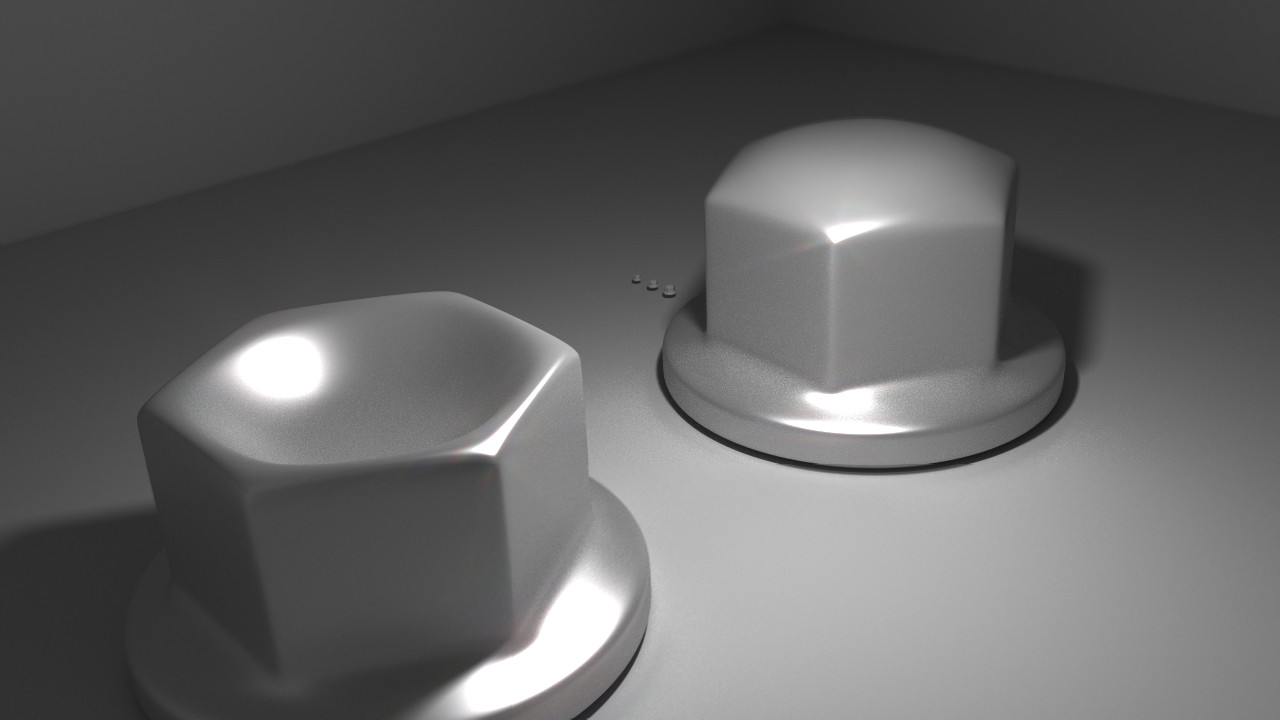
jlv wrote:Here's a picture of my nuts.
-
mxsisboss
- Posts: 1710
- Joined: Mon Feb 06, 2012 6:11 pm
Re: ready boost/ optimization
Or you could just turn model geometrical detail or whatever it is to 4 so it is a bit like turing render distance down in minecraft exept it doesnt load models that are far away it gives me a huge fps boost as my CPU only has 3gb of ram. so i go from like 25-30fps to like 80.( on single player)
cr500zd wrote:is there anyway that 500cc bikes will be put into the game?jlv wrote:I'd say it will definitely happen at some point. Not any time soon though.
-
KTM57
- Posts: 13872
- Joined: Wed Jul 07, 2010 2:42 am
- Location: TX
- Contact:
Re: ready boost/ optimization
I don't know why you would complain about lag if you're running such high graphics. I run max graphics on SX with my CPU not OCed (3.8 turbo), 2GB 6950, and 8 GB RAM at a smooth framerate. I don't run the framerate meter, but I'd put it around 60. If I lag, I turn things down and take out stock replacement packs.
This is a block of text that can be added to posts you make. There is a 255 character limit.
-
pulse
- Posts: 2053
- Joined: Tue Aug 02, 2011 7:06 am
Re: ready boost/ optimization
sx is fine, I also noticed I get 20 more fps with Terrain Rendering method at : hardware/copy, Im just saying its going to bade on out doors with 40 riders if my pc couldent handle 28 with graphics half wayKTM57 wrote:I don't know why you would complain about lag if you're running such high graphics. I run max graphics on SX with my CPU not OCed (3.8 turbo), 2GB 6950, and 8 GB RAM at a smooth framerate. I don't run the framerate meter, but I'd put it around 60. If I lag, I turn things down and take out stock replacement packs.

-
jlv
- Site Admin
- Posts: 15462
- Joined: Fri Nov 02, 2007 5:39 am
- Team: No Frills Racing
- Contact:
Re: ready boost/ optimization
Try /renderstats in chat to get some rendering statistics. A good track needs to limit total geometry and shader/texture changes.
Josh Vanderhoof
Sole Proprietor
jlv@mxsimulator.com
If you email, put "MX Simulator" in the subject to make sure it gets through my spam filter.
Sole Proprietor
jlv@mxsimulator.com
If you email, put "MX Simulator" in the subject to make sure it gets through my spam filter.