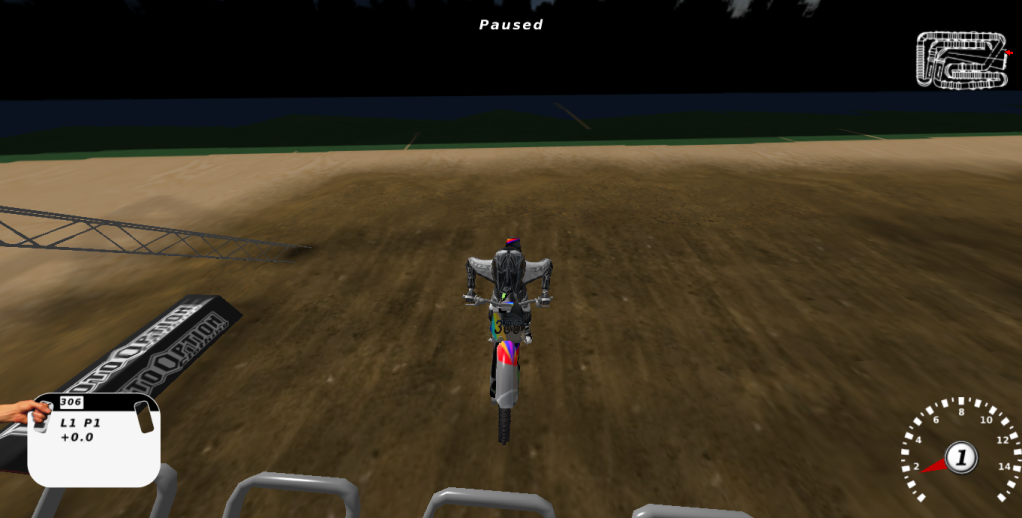
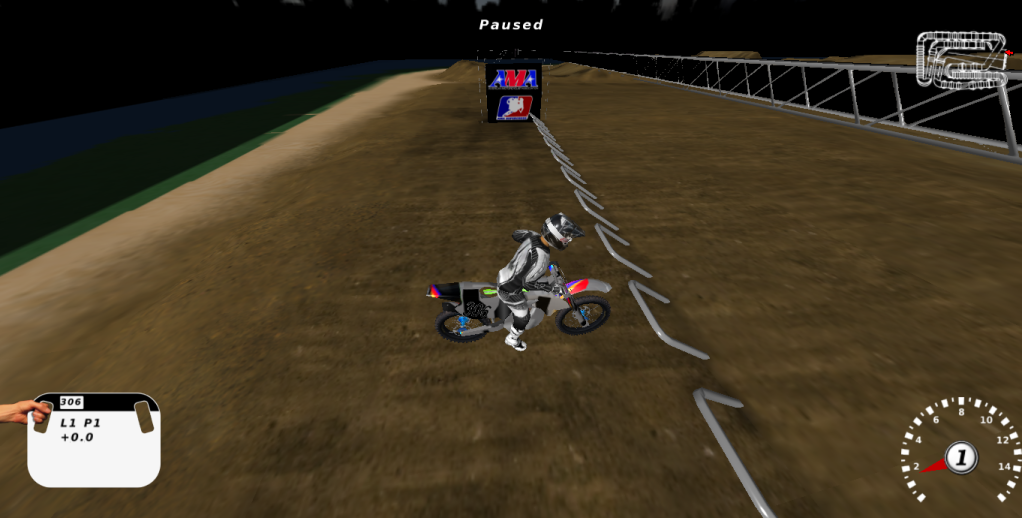
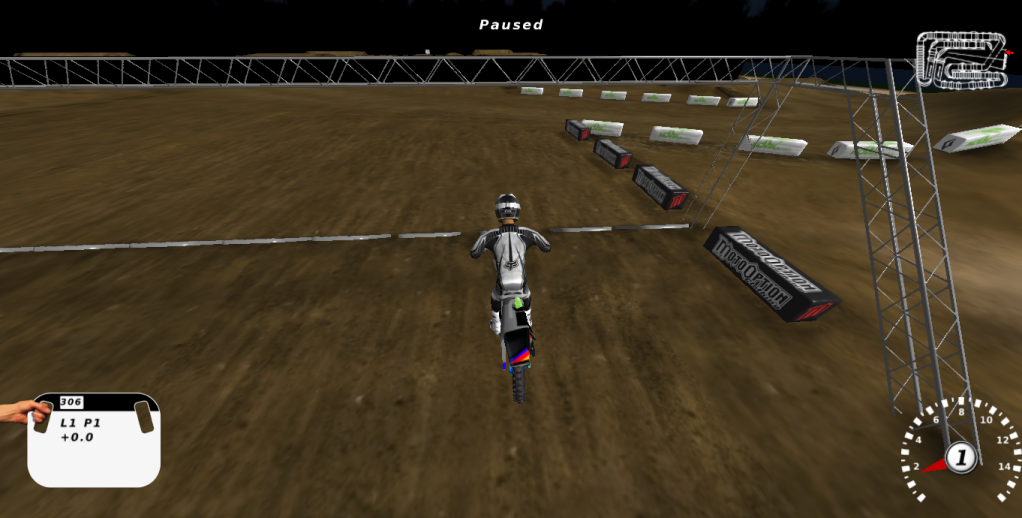
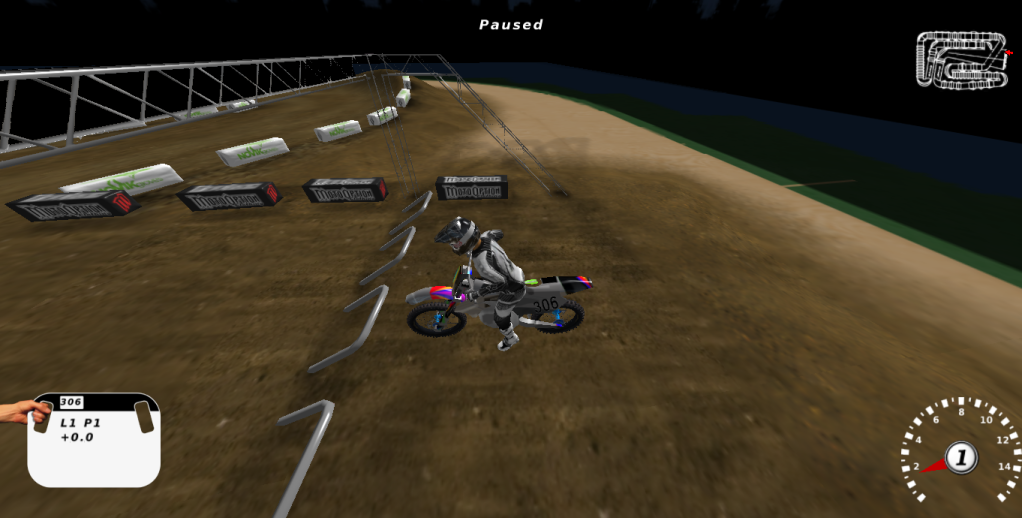
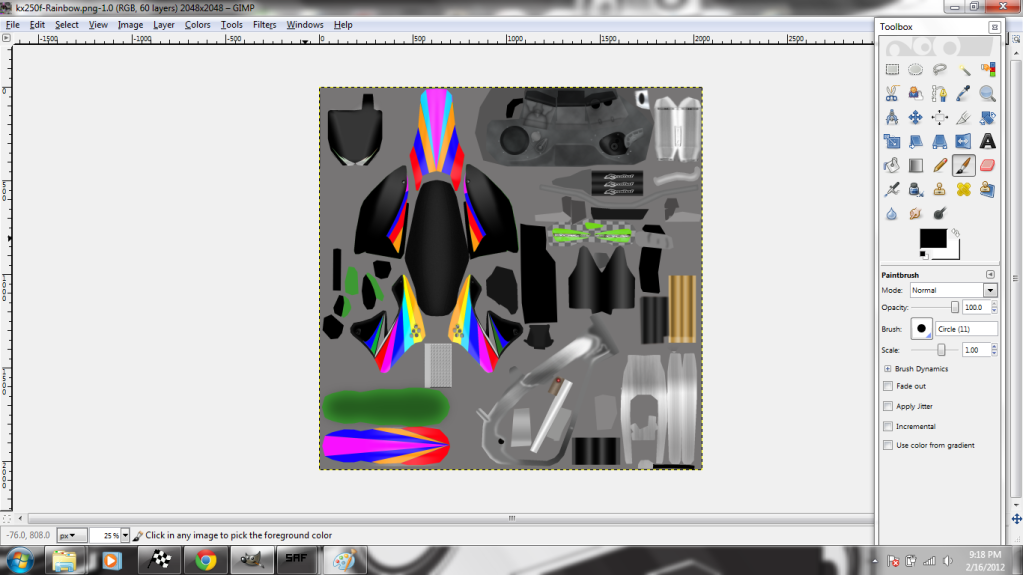
Aight ive been working on some bike skins and i saved them as kx250f-rainbow.png after finishing them on GIMP then i used the SAF creator and checked strip selected folder from path and clicked create then i moved the folder to My Personal Folder and got them up in mx simulator but they were all messed up they showed up but weren't right. When i saved it in GIMP it said "Your image should be exported before it can be saved as PNG for the following reasons: PNG plug-in can't handle layers
Options:
Flatten Image
Merge Visible Layers."
I tryed both but the same results happened so idk if that was the problem
help?? im skinning a kxf250 2011 bike onto a kxf450, im using a graphic cut out template to skin onto. i have the wireframe as well but when i look at the skin ingame, it just shows the graphics and no engine, exhaust etc. anyone help with what to have and where to put it??
that's how it works...if you don't have a template, just a cutout, you will not see anything other then the graphic on your bike...and since the kxf template is not public, you should probably stop working on it and just to a bike that has a template released(Honda,Yamaha,Suzuki)