
Is this an upgraded version of the Gaz Brake?
post your screen shots of MXSim
-
yzmxer608
- Posts: 15352
- Joined: Mon Dec 29, 2008 4:30 am
- Team: SYS
- Location: Wisconsin, U.S.A
Re: post your screen shots of MXSim
TeamHavocRacing wrote:If I had a nickel for every time someone asked for this, I would have a whole shitload of nickels.
-
CeeJayHDz
- Posts: 696
- Joined: Mon Feb 23, 2015 5:05 pm
- Team: Privateer


-
CeeJayHDz
- Posts: 696
- Joined: Mon Feb 23, 2015 5:05 pm
- Team: Privateer


-
John23
- Posts: 2964
- Joined: Tue Oct 28, 2014 12:38 am
Re: post your screen shots of MXSim


Anyone know why the quality would go down so much? Is it because I am using Imgur?
jlv wrote:This post is useless.
-
Blake_901
- Posts: 1972
- Joined: Tue Feb 25, 2014 1:41 am

-
Racers52
- Posts: 3247
- Joined: Sun Feb 03, 2013 8:10 pm
- Location: Texas
- Contact:
Re: post your screen shots of MXSim
anything over 1mb on imgur will look bad. Made a post about this awhile back but am too lazy to find it.
-
John23
- Posts: 2964
- Joined: Tue Oct 28, 2014 12:38 am
Re: post your screen shots of MXSim
No. I just went to PS and all my preferences were changed. Compression was on for PNGs
jlv wrote:This post is useless.
-
KTM57
- Posts: 13865
- Joined: Wed Jul 07, 2010 2:42 am
- Location: TX
- Contact:
Re: post your screen shots of MXSim
Those are all jpgs, bro. Everything on Imgur gets compressed to jpg when it's over 1MB.
This is a block of text that can be added to posts you make. There is a 255 character limit.
-
John23
- Posts: 2964
- Joined: Tue Oct 28, 2014 12:38 am
Re: post your screen shots of MXSim
Oh sorry....KTM57 wrote:Those are all jpgs, bro. Everything on Imgur gets compressed to jpg when it's over 1MB.
jlv wrote:This post is useless.
-
themotoman401
- Posts: 21
- Joined: Thu May 09, 2013 12:16 am
- Team: Privateer
-
themotoman401
- Posts: 21
- Joined: Thu May 09, 2013 12:16 am
- Team: Privateer
Re: post your screen shots of MXSim
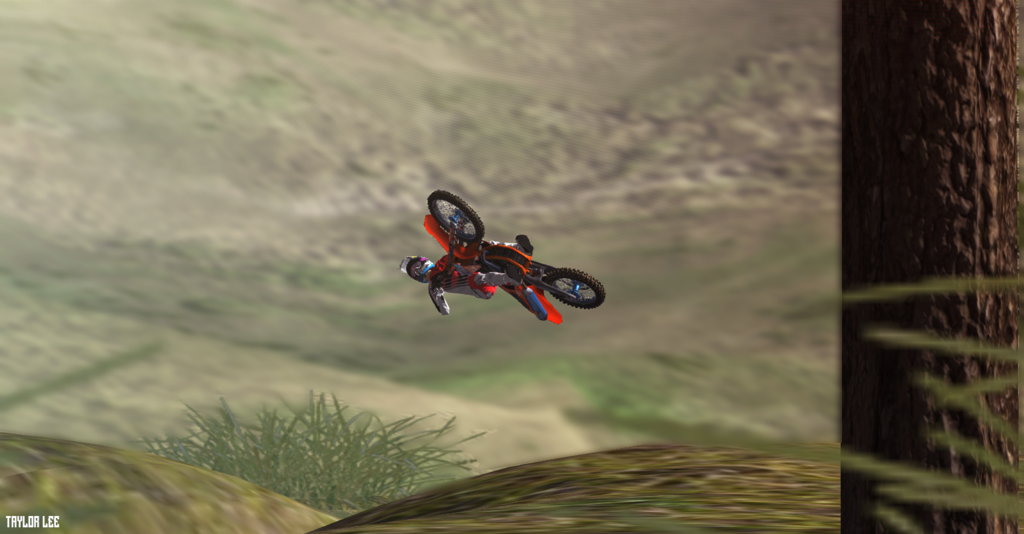
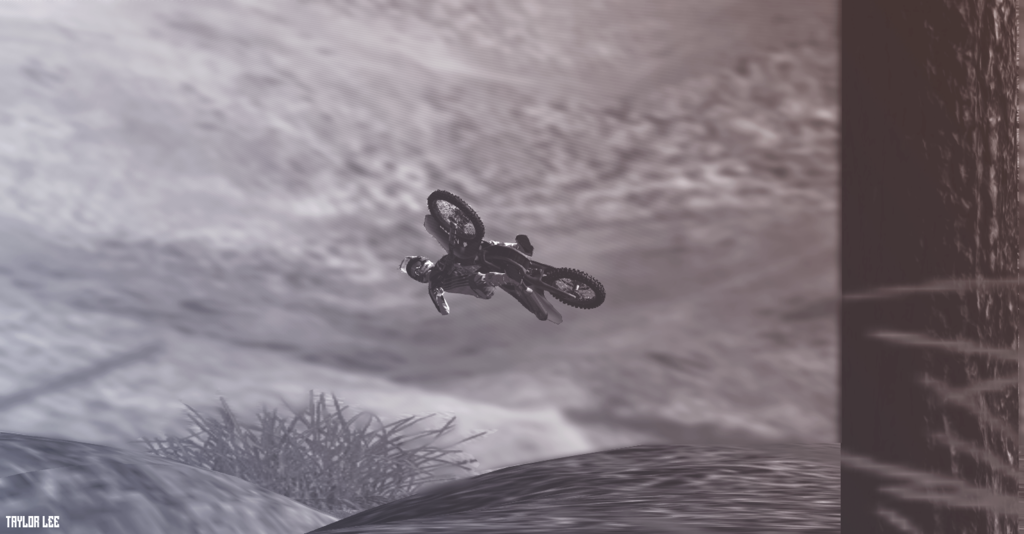
Sorry for DP but i posted my link wrong because I am bad. Trying to get better at this.


-
MaicoBreako
- Posts: 272
- Joined: Thu Feb 26, 2015 12:53 am
- Location: Idaho
Re: post your screen shots of MXSim
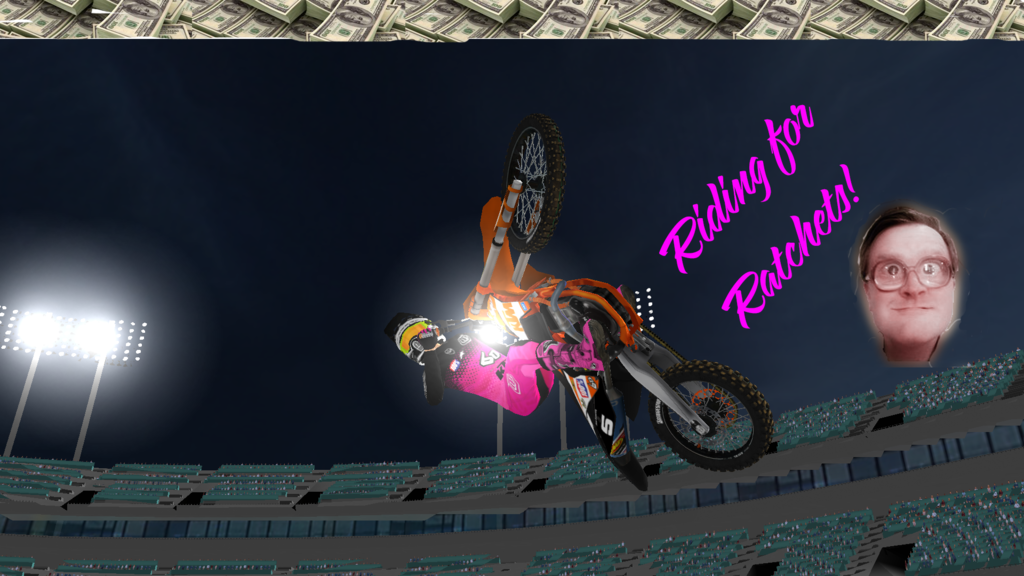
The things I do at two in the morning...  (Ignore the terrible camera angle)
(Ignore the terrible camera angle)jlv wrote:I shit you not!jduuuub wrote: bullshit.
-
aeffertz
- Posts: 4039
- Joined: Sat Sep 06, 2014 7:01 am
- Team: Studio ATE
- Location: Wiscansin
Re: post your screen shots of MXSim
Use ctrlv.in. They don't cut down on your image quality.l and its primo for uploading anything you can copy and paste.

-
CrossFlow Racing#16
- Posts: 1309
- Joined: Mon Jul 30, 2012 9:34 am
- Location: Straya



-
Motolife_99
- Posts: 1001
- Joined: Sat Sep 06, 2014 6:42 pm
- Team: KMR
Re: post your screen shots of MXSim
It takes 5 seconds to downscale an image in photoshop, if you have the drive to spend like 15 minutes getting a nice shot, and editing it, then you can take that extra 5 seconds to downscale it, therefor there is no excuse.
That is for everyone that says they are "too lazy to resize"
That is for everyone that says they are "too lazy to resize"
