post your screen shots of MXSim

Post your screenshots and videos here
sapelgas431
Posts: 1031
Joined: Sat Jan 19, 2013 9:23 pm
Team: MadCape
Location: Portugal

Re: post your screen shots of MXSim

Post by sapelgas431 »

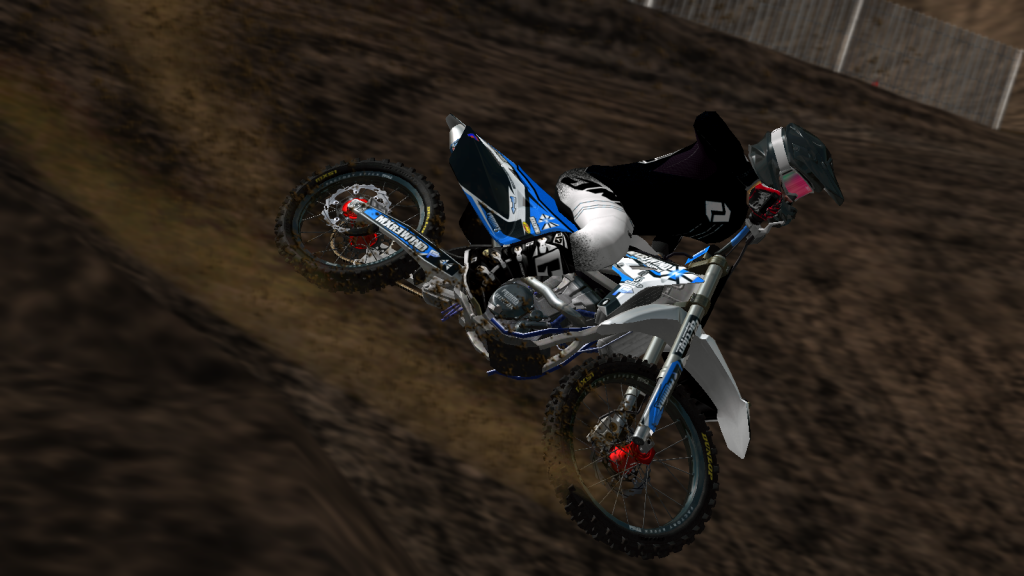
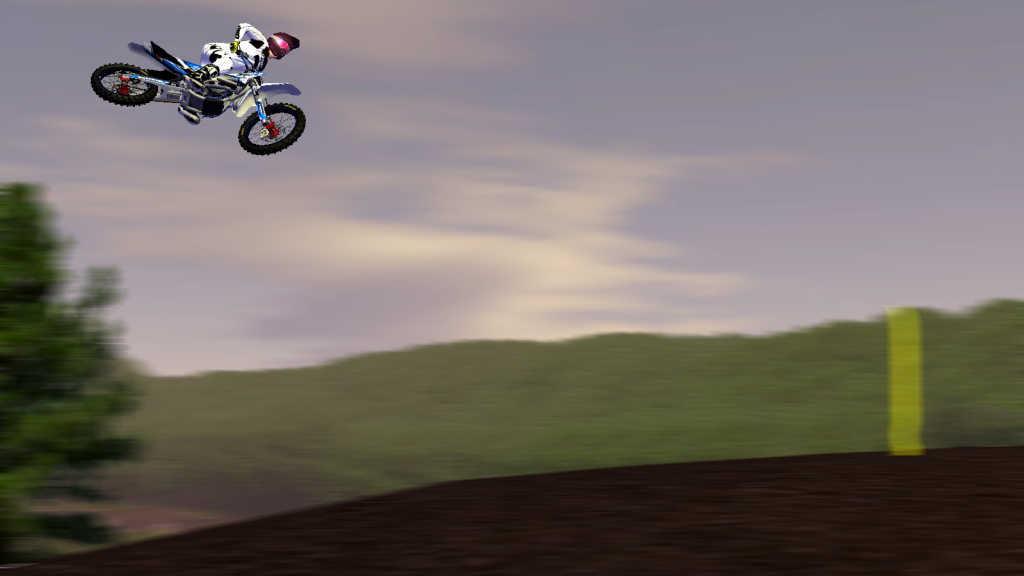
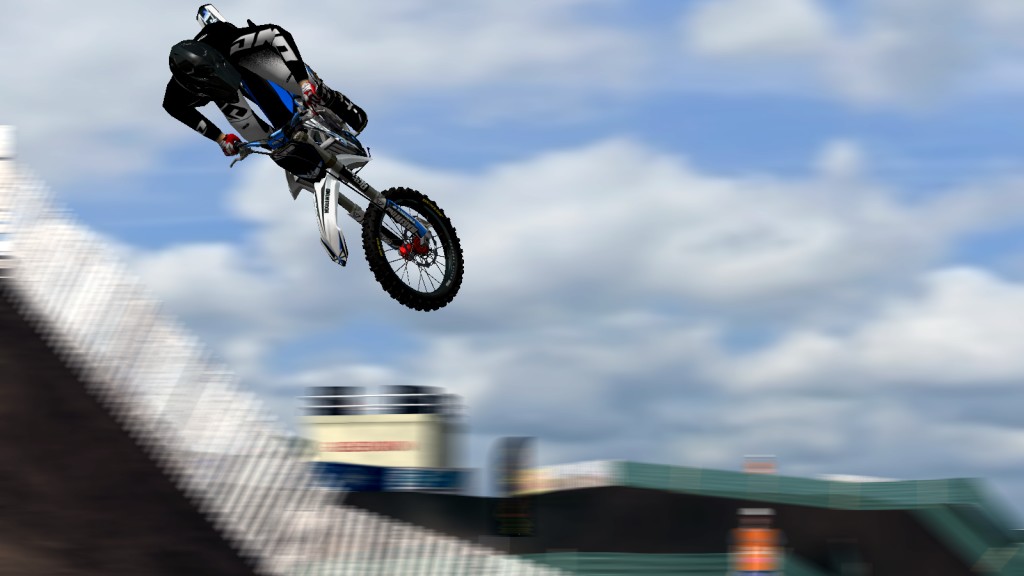
I know my screens suck when compared to p2sta's but.. what do you think ?
Image
Image
Image
André Santos
2015 Arenacross Champion | 2015/2016 EMF 450 SX 4th O/A | 2017 rF SX 250E 5th O/A
KaseoDip
Village Idiot
Posts: 1879
Joined: Sat Feb 04, 2012 10:39 pm
Team: Tegridy Farms
Location: Kansas

Re: post your screen shots of MXSim

Post by KaseoDip »

sapelgas431 wrote:I know my screens suck when compared to p2sta's but.. what do you think ?
P2sta wasn't always as good as he is now. You will get there :wink:
supercross711
Posts: 3032
Joined: Wed Aug 31, 2011 11:15 pm
Location: North Carolina USA

Re: post your screen shots of MXSim

Post by supercross711 »

KaseoDip wrote:
sapelgas431 wrote:I know my screens suck when compared to p2sta's but.. what do you think ?
P2sta wasn't always as good as he is now. You will get there :wink:
No, he was. :P :lol:
Image
P2sta wrote:Read it again, you are going full are going full 'meurican here.
Gaetan131
Posts: 54
Joined: Sat Aug 18, 2012 11:11 am
Team: Privateer

Re: post your screen shots of MXSim

Post by Gaetan131 »

fucking great screens P2sta :)

What do you think guys ??

Image
Image
Image
Image
FALETTI480
Posts: 894
Joined: Fri Aug 17, 2012 6:43 am
Team: | POGO |
Location: AMERICA

Re: post your screen shots of MXSim

Post by FALETTI480 »

those are great dude... really smooth.
Image
p2sta
Posts: 3281
Joined: Fri Jul 30, 2010 7:08 am
Location: Czech Republic
Contact:

Re: post your screen shots of MXSim

Post by p2sta »

right on Patrick! :D

sapelgas - You are getting better man. If you want to blur your backgrounds you should check the tutorial I made for selecting just the rider and bike(click the link in my signature to see my topics, two of them are the tutorials), that will help a lot to get the blur looks better. Also make you sure have anti aliasing turned to the max when taking screen (it can be done in your graphic card settings, depending on the card you use....or with some enhancement soft), that way you will get rid of those jaggy lines and the pictures will look a lot cleaner ;)

gaetan - love the second, only thing I would change is that you should erase part of the rear tire so it looks like its actually in the dirt, the way you have it now it looks like its sliding on the top of it
and thanks a lot guys!

Andrewp377
Posts: 22
Joined: Mon Feb 25, 2013 3:40 am
Team: Privateer

Re: post your screen shots of MXSim

Post by Andrewp377 »

Nice shot:) im new , how do you go back and look at your race?
p2sta
Posts: 3281
Joined: Fri Jul 30, 2010 7:08 am
Location: Czech Republic
Contact:

Re: post your screen shots of MXSim

Post by p2sta »

in menu go to playback race...with TAB button you change camera and with throttle, brakes,etc you move the camera
stocksy129
Posts: 1582
Joined: Thu Nov 06, 2008 8:21 am
Location: Australia, VIC

Re: post your screen shots of MXSim

Post by stocksy129 »

Image

Image

Bike i am working on, not finished.
As43
Posts: 16
Joined: Tue Dec 11, 2012 11:49 pm

Re: post your screen shots of MXSim

Post by As43 »

p2sta wrote:right on Patrick! :D

sapelgas - You are getting better man. If you want to blur your backgrounds you should check the tutorial I made for selecting just the rider and bike(click the link in my signature to see my topics, two of them are the tutorials), that will help a lot to get the blur looks better. Also make you sure have anti aliasing turned to the max when taking screen (it can be done in your graphic card settings, depending on the card you use....or with some enhancement soft), that way you will get rid of those jaggy lines and the pictures will look
Thanks for the tips ! I'm using your way of rider selection, just figured it out like a week ago. But my pc sucks and I can't run good graphics .. Btw, thanks !
sapelgas431
Posts: 1031
Joined: Sat Jan 19, 2013 9:23 pm
Team: MadCape
Location: Portugal

Re: post your screen shots of MXSim

Post by sapelgas431 »

^^ lol, sry that's my bro's account, he left it logged in.
André Santos
2015 Arenacross Champion | 2015/2016 EMF 450 SX 4th O/A | 2017 rF SX 250E 5th O/A
sapelgas431
Posts: 1031
Joined: Sat Jan 19, 2013 9:23 pm
Team: MadCape
Location: Portugal

Re: post your screen shots of MXSim

Post by sapelgas431 »

^^ lol, sry that's my bro's account, he left it logged in.
André Santos
2015 Arenacross Champion | 2015/2016 EMF 450 SX 4th O/A | 2017 rF SX 250E 5th O/A
FALETTI480
Posts: 894
Joined: Fri Aug 17, 2012 6:43 am
Team: | POGO |
Location: AMERICA

Re: post your screen shots of MXSim

Post by FALETTI480 »

bike is made by FAMmx Design which can be found at http://www.fammx.com/

Image

Image

Image

i still suck at editing
Image
mxboy97
Posts: 583
Joined: Fri Jun 11, 2010 11:34 am
Team: TeamTimo

Re: post your screen shots of MXSim

Post by mxboy97 »

Image
Image
Post Reply