
post your screen shots of MXSim
-
theargeman123
- Posts: 379
- Joined: Fri Jan 03, 2014 11:41 pm
- Team: Bud Clan
- Location: NEPA
Re: post your screen shots of MXSim
hell ya i wish most models came with optional parts (handguards,fatbar,etc)
-
The_moto_kid52
- Posts: 473
- Joined: Mon Sep 16, 2013 12:58 am
- Location: Arizona
- Contact:
Re: post your screen shots of MXSim

|2014 Mini O's 2nd O/V 250B||2015 EMC Conceptgraff MX Series 9th O/V 250 Pro| |2015 Amateur Supercross Championship 2nd O/V| |2015 Monster Energy Cup 9th O/V 250 All-Stars| |2015 FlowTech Pro Arenacross 9th O/V Pro|
-
mx750
- Posts: 80
- Joined: Tue Aug 20, 2013 1:54 pm
- Team: Privateer
Re: post your screen shots of MXSim
Just Finished up the Team skins for the MEC event.


-
Ohagan75
- Posts: 3777
- Joined: Mon Jan 23, 2012 3:17 am
- Team: Prime Design GFX
- Location: Australia
- Contact:

-
CrossFlow Racing#16
- Posts: 1309
- Joined: Mon Jul 30, 2012 9:34 am
- Location: Straya
Re: post your screen shots of MXSim
And that helmet to pleaseMotolife_99 wrote: i mean if people want it released then i will


-
CrossFlow Racing#16
- Posts: 1309
- Joined: Mon Jul 30, 2012 9:34 am
- Location: Straya


-
MOTOZ293
- Posts: 3081
- Joined: Wed Mar 06, 2013 7:17 pm
- Team: Hog Heaven Racing
- Location: Ohio



-
James_122
- Posts: 4271
- Joined: Wed Mar 07, 2012 8:50 pm
- Team: Channel 4 News
- Location: News Room
Re: post your screen shots of MXSim
Flo yellow Hondas for Monster Cup......why not.

-
zack48richey
- Posts: 110
- Joined: Fri Apr 19, 2013 11:39 pm
- Location: Texas
Re: post your screen shots of MXSim
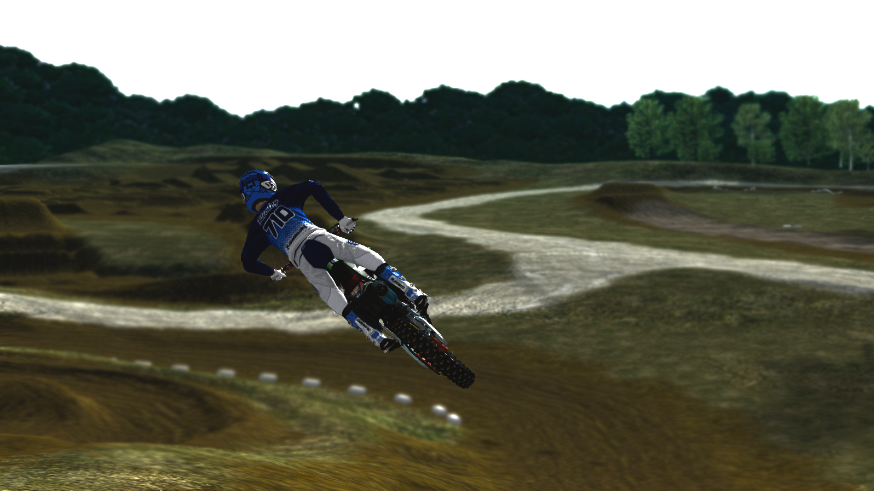
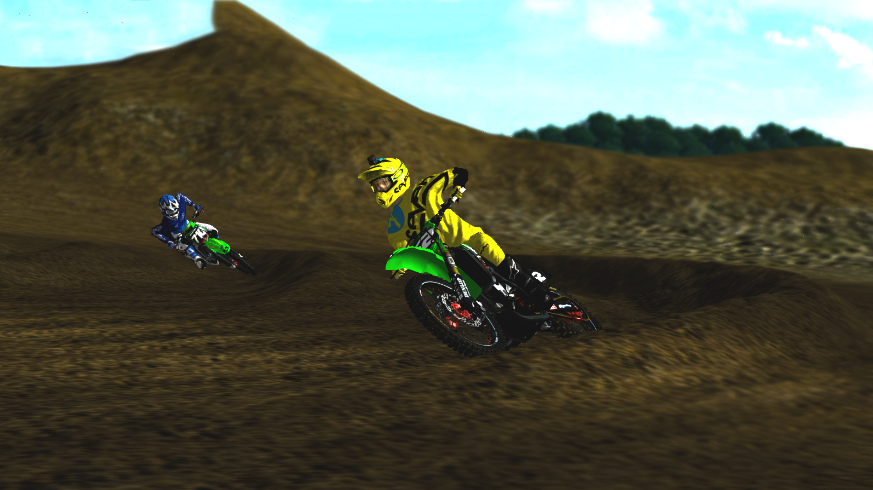
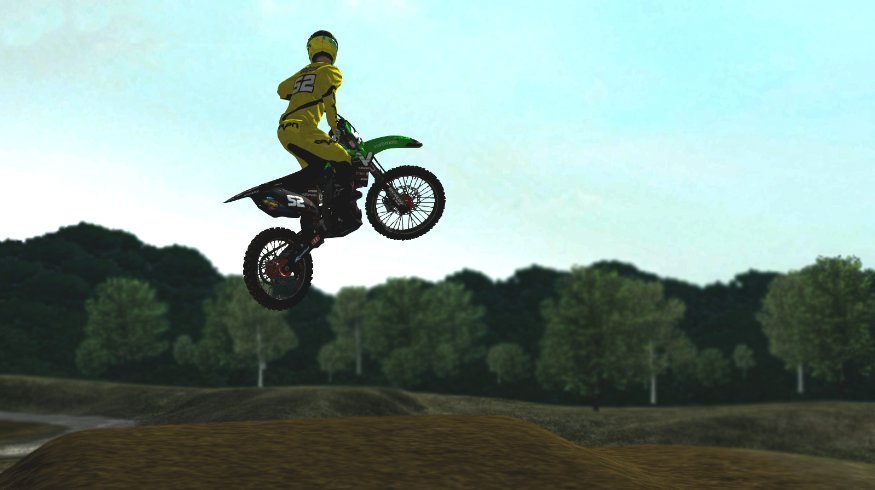
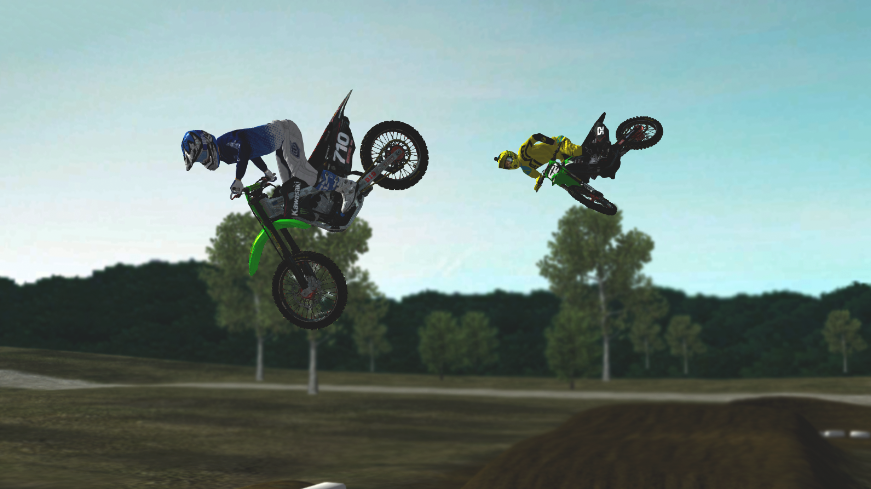
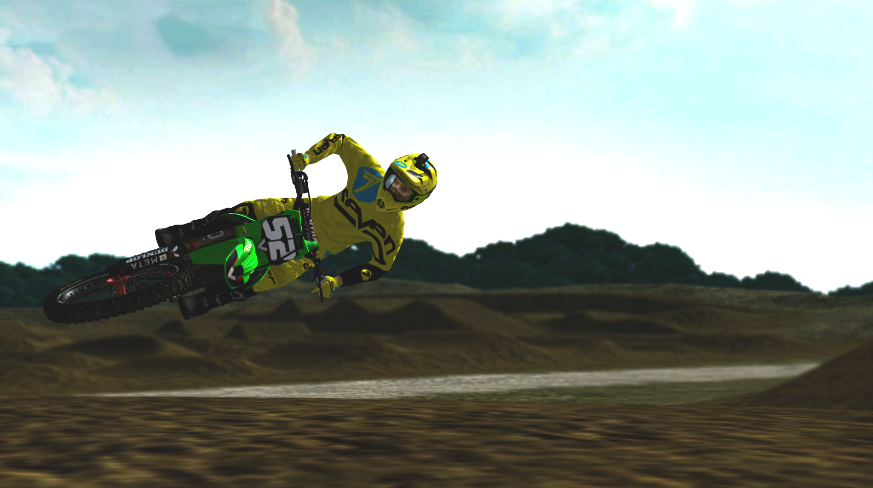
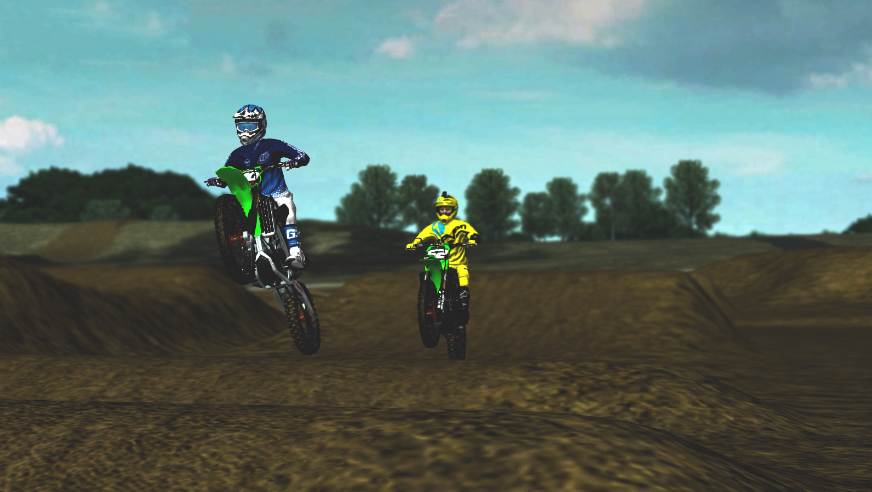
Some screen shots I made of me and Connor Holyak
-
Ddavis
- Posts: 17988
- Joined: Wed Sep 28, 2011 1:02 am
Re: post your screen shots of MXSim
Nice screenshots guys!
-
John23
- Posts: 2964
- Joined: Tue Oct 28, 2014 12:38 am
Re: post your screen shots of MXSim
How do you make goggle lenses clear but have a reflection to them? I leave the lens area blank, but there is no reflection
jlv wrote:This post is useless.
-
Ddavis
- Posts: 17988
- Joined: Wed Sep 28, 2011 1:02 am
Re: post your screen shots of MXSim
Turn reflections on in your graphics settings? 
-
aeffertz
- Posts: 4039
- Joined: Sat Sep 06, 2014 7:01 am
- Team: Studio ATE
- Location: Wiscansin
Re: post your screen shots of MXSim
Make sure your spec map isn't black/dark over your lens.John23 wrote:How do you make goggle lenses clear but have a reflection to them? I leave the lens area blank, but there is no reflection

-
m121c
- Posts: 3056
- Joined: Sun Feb 27, 2011 5:36 am
- Location: Iowa
Re: post your screen shots of MXSim
Material in blender.
Specular maps don't control reflection. Remember you can only make things in MXS 74% opacity or more, anything lower and the object goes 100% transparent for whatever reason. With those goggles the lens is actually 100% transparent if you look at it with no reflection material, but because of the reflection layer it reflects the environment off of the lens. If you have reflections turned off they won't obviously see the reflections and you will see no lens.
Specular maps don't control reflection. Remember you can only make things in MXS 74% opacity or more, anything lower and the object goes 100% transparent for whatever reason. With those goggles the lens is actually 100% transparent if you look at it with no reflection material, but because of the reflection layer it reflects the environment off of the lens. If you have reflections turned off they won't obviously see the reflections and you will see no lens.