
JLV i cant find were my screenshots save to!
-
moto28
- Posts: 119
- Joined: Sun May 05, 2013 2:00 am
JLV i cant find were my screenshots save to!
please help! im wanting to make a cool profile picture and take some awesome screenshots but cant find where they save to! I use the ingame screenshot button. (s)
TeamHavocRacing wrote:Are we talking distilled water, deionized water, purified water, heavy water, holy water, bong water or just ball sack water?
-
jason_pama
- Posts: 709
- Joined: Tue Dec 25, 2012 8:29 pm
- Team: MotoRAD
- Location: Los Angeles, California
- Contact:
Re: JLV i cant find were my screenshots save to!
It should be in your personal folder

-
moto28
- Posts: 119
- Joined: Sun May 05, 2013 2:00 am
Re: JLV i cant find were my screenshots save to!
I dont have a personal folder i just have one folder called mx simulator and thats where i put all my models etc. But i searched for the screenshots in it and they werent in therejason_pama wrote:It should be in your personal folder
TeamHavocRacing wrote:Are we talking distilled water, deionized water, purified water, heavy water, holy water, bong water or just ball sack water?
-
jlv
- Site Admin
- Posts: 15378
- Joined: Fri Nov 02, 2007 5:39 am
- Team: No Frills Racing
- Contact:
Re: JLV i cant find were my screenshots save to!
From the Windows Start Menu, open All Programs / MX Simulator / MX Simulator Personal Folder.
Josh Vanderhoof
Sole Proprietor
jlv@mxsimulator.com
If you email, put "MX Simulator" in the subject to make sure it gets through my spam filter.
Sole Proprietor
jlv@mxsimulator.com
If you email, put "MX Simulator" in the subject to make sure it gets through my spam filter.
-
moto28
- Posts: 119
- Joined: Sun May 05, 2013 2:00 am
Re: JLV i cant find were my screenshots save to!
Dosnt show up. :/jlv wrote:From the Windows Start Menu, open All Programs / MX Simulator / MX Simulator Personal Folder.
TeamHavocRacing wrote:Are we talking distilled water, deionized water, purified water, heavy water, holy water, bong water or just ball sack water?
-
moto28
- Posts: 119
- Joined: Sun May 05, 2013 2:00 am
Re: JLV i cant find were my screenshots save to!
For some reason the only Mx Simulator file i have is just the Mx Simulator File. it has the shortcut and things like that in it its where i put my models and it seems to workjlv wrote:From the Windows Start Menu, open All Programs / MX Simulator / MX Simulator Personal Folder.
TeamHavocRacing wrote:Are we talking distilled water, deionized water, purified water, heavy water, holy water, bong water or just ball sack water?
-
jason_pama
- Posts: 709
- Joined: Tue Dec 25, 2012 8:29 pm
- Team: MotoRAD
- Location: Los Angeles, California
- Contact:
Re: JLV i cant find were my screenshots save to!
Are you sure its not in all programs? Did you scroll all the way down?
-
moto28
- Posts: 119
- Joined: Sun May 05, 2013 2:00 am
Re: JLV i cant find were my screenshots save to!
yep its not therejason_pama wrote:Are you sure its not in all programs? Did you scroll all the way down?
TeamHavocRacing wrote:Are we talking distilled water, deionized water, purified water, heavy water, holy water, bong water or just ball sack water?
-
Phathry25
- Posts: 7481
- Joined: Sat Dec 01, 2007 1:09 am
- Team: No Frills Racing
- Location: WI
- Contact:
Re: JLV i cant find were my screenshots save to!
Sounds like now is a good time to PM the email address you used to buy the game to JLV and have him resend your order. Running the installer should create the shortcut.
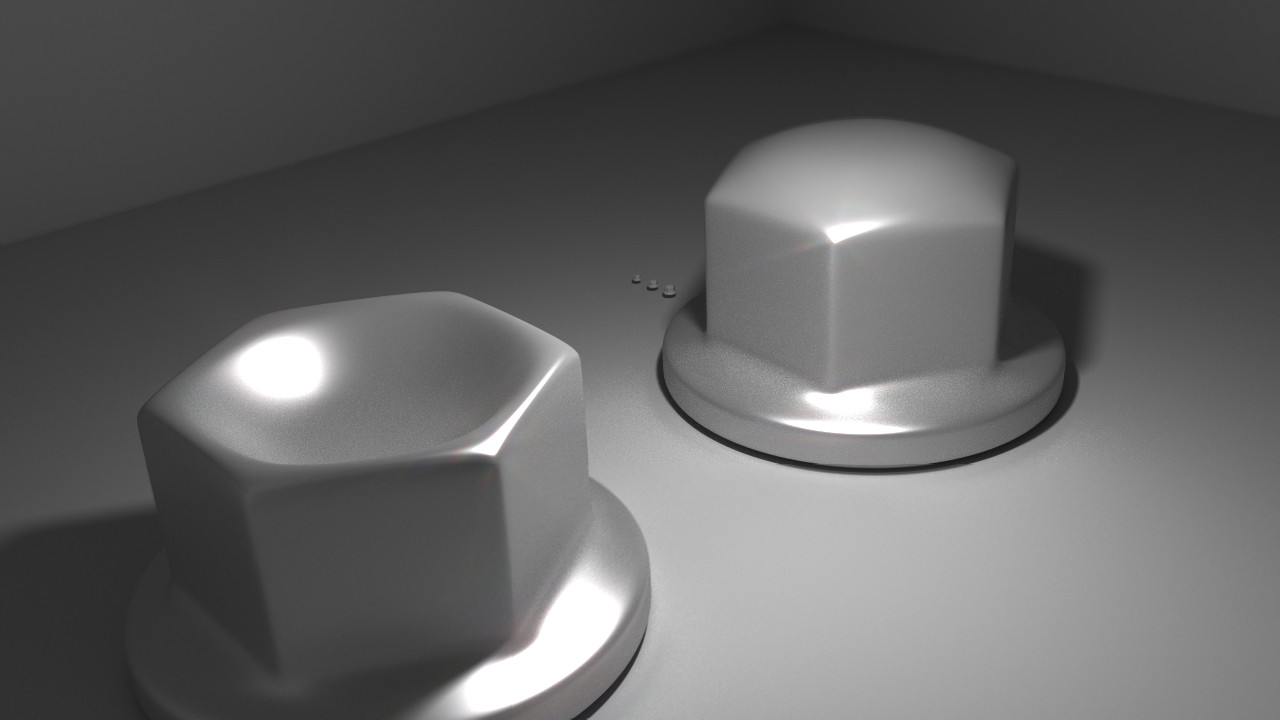
jlv wrote:Here's a picture of my nuts.
-
moto28
- Posts: 119
- Joined: Sun May 05, 2013 2:00 am
Re: JLV i cant find were my screenshots save to!
i did. hopefully thatll workPhathry25 wrote:Sounds like now is a good time to PM the email address you used to buy the game to JLV and have him resend your order. Running the installer should create the shortcut.
TeamHavocRacing wrote:Are we talking distilled water, deionized water, purified water, heavy water, holy water, bong water or just ball sack water?
-
DCreedz#523
- Posts: 915
- Joined: Fri Mar 29, 2013 11:11 am
- Team: Greef Clothing
- Location: Australia
- Contact:
Re: JLV i cant find were my screenshots save to!
have you figured it out yet? if you havent, here is another way: My Computer>Hardrive>Users>*computers name*>AppData>Local>Mx Simulator.
sounds hard but its really easy
sounds hard but its really easy

-
moto28
- Posts: 119
- Joined: Sun May 05, 2013 2:00 am
Re: JLV i cant find were my screenshots save to!
Yes it works now. Thanks guys!DCreedz#523 wrote:have you figured it out yet? if you havent, here is another way: My Computer>Hardrive>Users>*computers name*>AppData>Local>Mx Simulator.
sounds hard but its really easy
TeamHavocRacing wrote:Are we talking distilled water, deionized water, purified water, heavy water, holy water, bong water or just ball sack water?